Why I Built This
A Mac was my very first laptop. I remember visiting a massive metropolitan city, and my friend told me to connect to a specific Wi-Fi network. Between staring at an endless list of identical SSIDs and trying to manually type out a ridiculously long, complex password without making a typo, it was a nightmare! Meanwhile, my Android phone could just scan a QR code and connect instantly. The friction between macOS and Android was real.
I initially built a prototype to solve this in Python—the only language I knew at the time. Later, as I learned Flutter, I ported it over. It got the job done, but it was a heavy 43MB beast for a tiny utility, and the UI/UX was... let's just say you shouldn't look at that old code! 😅
While iPhones and Macs talk to each other seamlessly, the bridge between macOS and Android is often neglected. Every time friends came over, or I changed locations, I found myself manually typing out complex Wi-Fi passwords on my Mac while a perfectly scannable QR code was sitting right there on my phone screen. I searched for existing solutions, but everything I found was either a heavy Electron app that drained battery, a paid subscription tool, or just an ugly wrapper around a website.
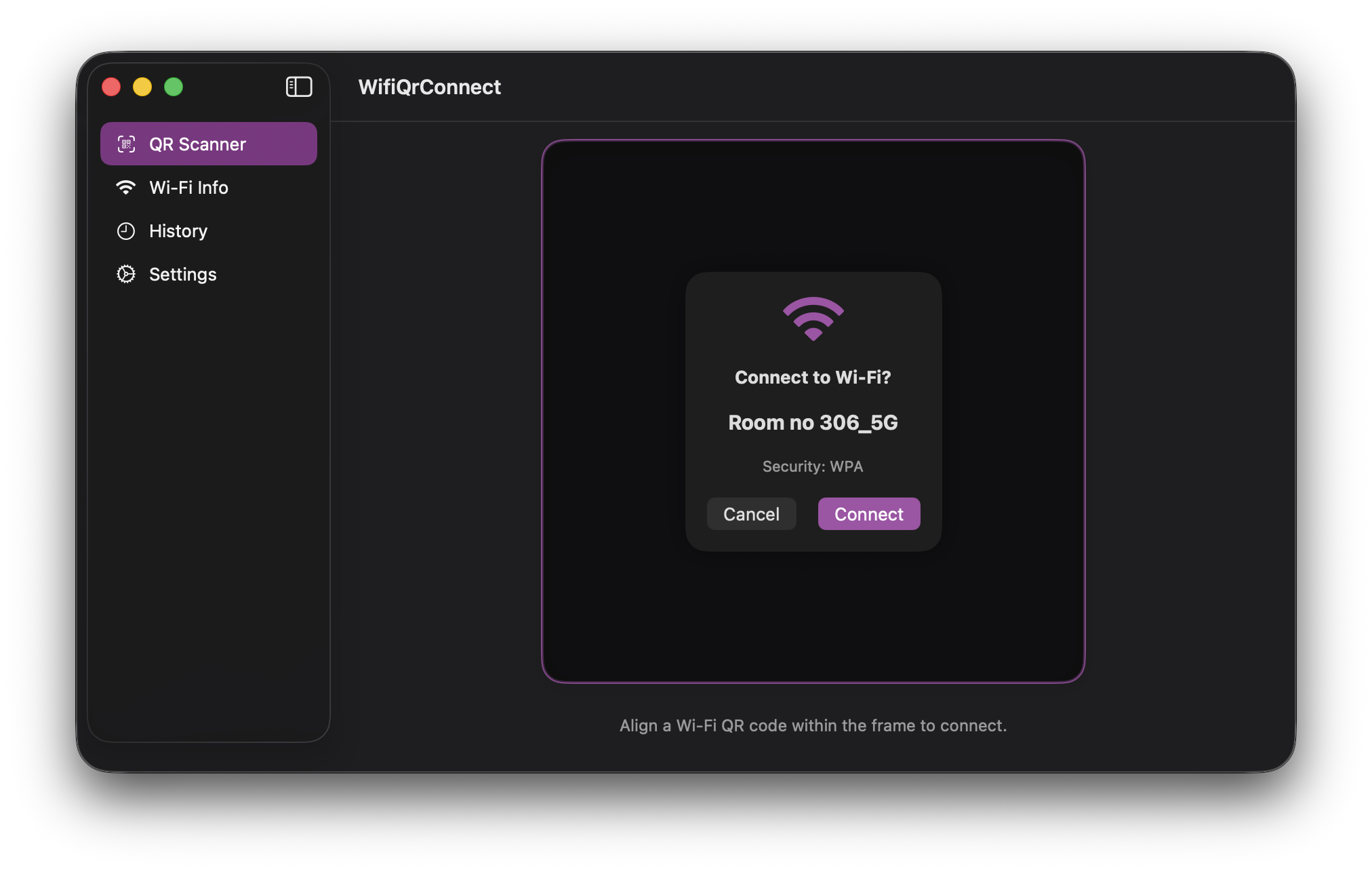
So, I decided to rewrite it from the ground up. Today, WiFi QR Connect is built in 100% native SwiftUI. It's incredibly fast, respects your battery life, and the app size has plummeted from 43MB down to just ~3MB. No bloat, no cross-platform compromises. Just a tiny, beautiful native utility that bridges the gap between Mac and Android for good.
If you find this tool useful, consider buying me a coffee!
